How the cli-core install went from 280 to 49 MB
The shared library under every WireCat CLI used to install at 280.4 MB, now it is 48.8 MB. What I removed, what now installs on first use, which step made it worse and what I did not measure.
Get WireCat Desktop
The app installs the tools, signs you in and gives your AI agent what it needs to use them. No terminal needed.
Download the desktop appFree and open source, for macOS, Windows and Linux.
Or connect from the command line
Copy a request for your agent: it installs the tool, helps you sign in and checks that it works.
Install tg with npm install -g @wirecat/tg-cli.
Read tg setup --help, explain the steps and allow about five minutes, then help me run tg personal setup (personal is a profile name; any name works).
Run tg personal doctor and suggest next steps.
Before installation, check Node.js 22.19+ (22.x) or 24+ and npm; help me install them if needed.
At the end, offer to install the tg skill for my agent.
npm install -g @wirecat/tg-cli && tg skill install --for allThe request runs in your agent. Signing in adds a device to your account.
Research, measurements and how the tools work inside. Long reads for people who build with AI agents.
17 posts
The shared library under every WireCat CLI used to install at 280.4 MB, now it is 48.8 MB. What I removed, what now installs on first use, which step made it worse and what I did not measure.
3 Claude models answer the same 50 LifeBench questions through WireCat Memo. Haiku and Sonnet show no difference at a fourteenth of the price, Opus beats both. Then Haiku failed to send one message and found a 300,000-character answer in our core that Opus had walked past.
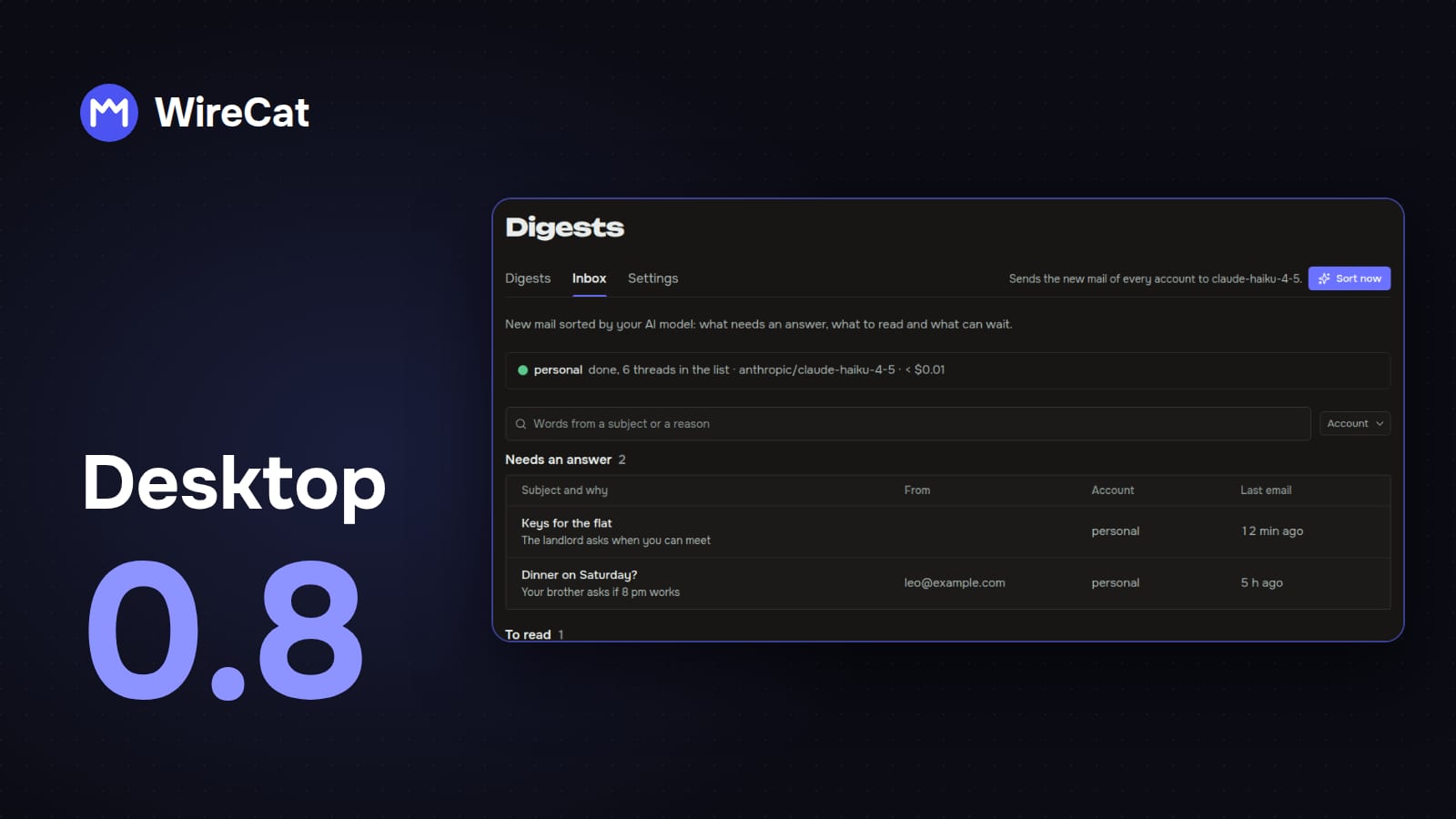
See which mail needs an answer, sorted by the AI model you chose, with the price of each run. Decide faster who is one person, undo what an agent joined, sign in to your own tools in the window, and get Linux updates from apt.
In a week I taught the WireCat template to build a whole CLI from one file, wirecat.config.ts. That's how attio, linear and wordpress came out in 3 days, with a sync into a local copy, an MCP server and tests. Here's how much code was hand-written, what broke on a real WordPress, and whether it fits your CRM.
When I turned the reranker on by default, WireCat's meaning search went from 1.9 to 5.1 seconds. Batching barely helped and changed the scores, native ONNX Runtime made scoring 2x faster, not 10x, and the Windows DLL I needed was only inside an npm tarball.
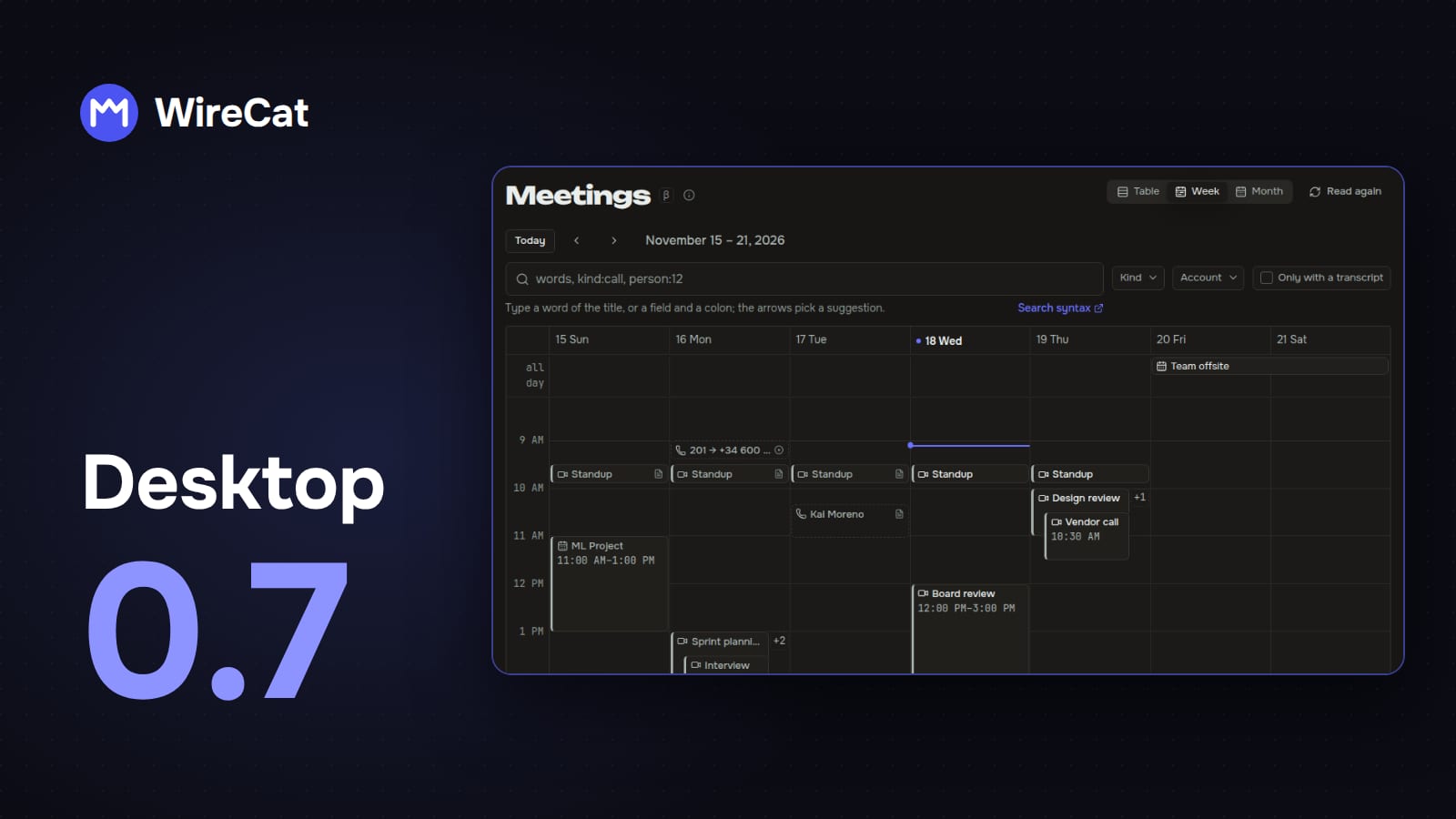
See your meetings, calls and calendar events on one page, and the calls of a Bitrix24 deal right on its card, with the recording a click away. Notion is built in now, an Obsidian vault connects in one click, and the Tools page installs and updates everything at once.
Third-party memory engines, WireCat Memo and a plain folder of files on the same questions. What the agent answers, which record it cites and what it costs, plus the public LifeBench.
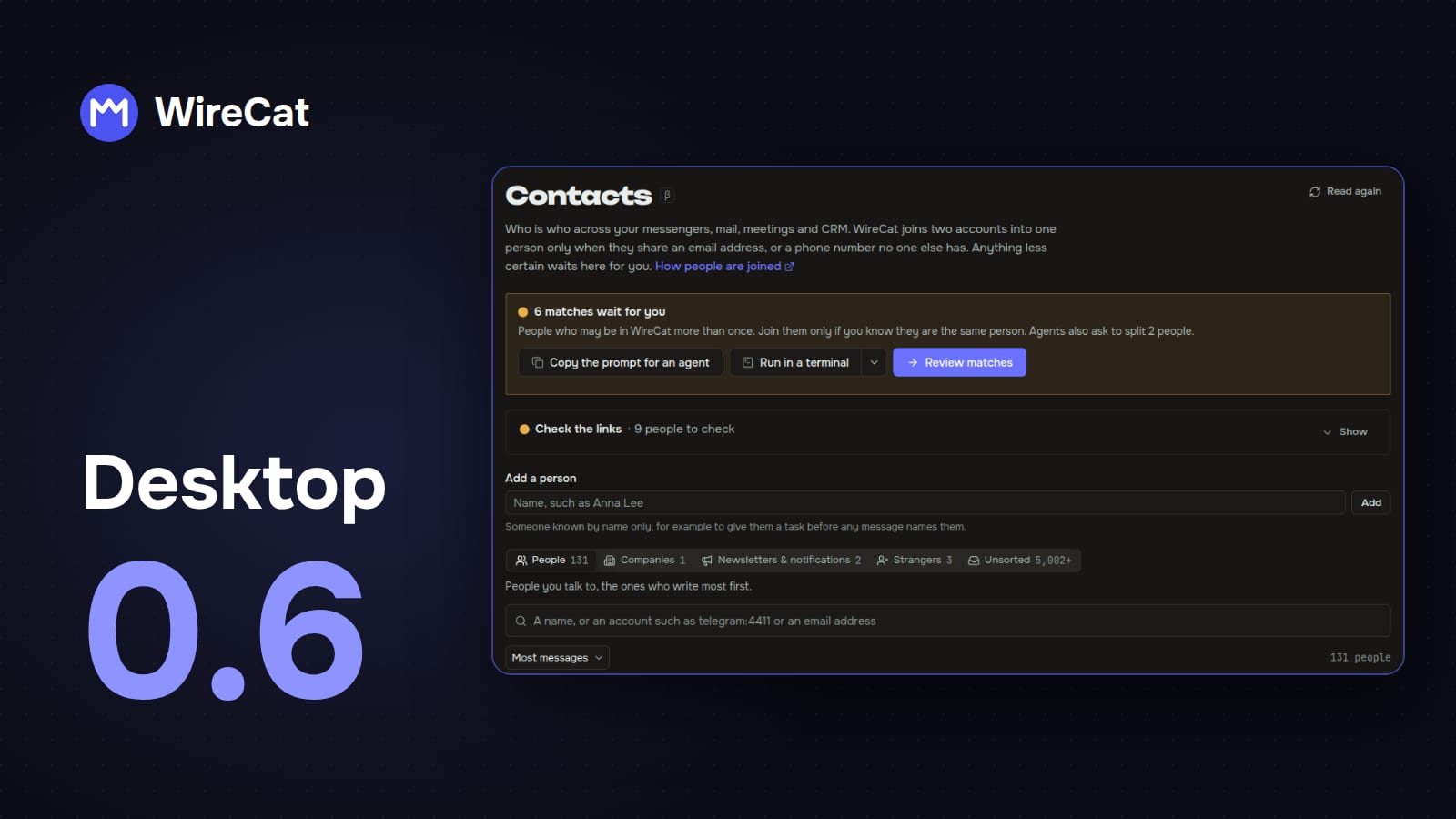
Anyone can now build a tool for WireCat and add it to the app, with a review before it installs. You can choose an AI model that runs on your own computer. You can also see everyone you talk to in one list, move CRM deals on a board, get a digest every morning, and decide what your agents remember with the source in front of you.
What WireCat is, which of its features need an AI model, how to move all of them to a model on your own computer and what that costs in speed and memory. With numbers from our measurements and the places where data still goes out.
WAL mode, busy_timeout, no crashes and no disk errors, and still "database disk image is malformed". The cause was one writeFileSync before every open. How I found it through /proc/locks, reproduced it on an empty file, and why the recovery said nothing was lost.
The Windows installer now names its publisher. Before it installs or updates a tool, WireCat checks that your other tools can still read your saved messages and notes, and updates them too when they need it.
When privacy really matters, where data leaks while you work with AI agents and what you can do about it. With real leaks and how we handle this in WireCat.
A new Analytics page shows what WireCat keeps and how you use it. Approved memories can be edited or taken back, installs show real progress, and settings repairs never leave your computer.
My laptop rebooted at night, and every background piece of a local-first CLI failed in its own way. What I had to fix so the service and the schedules on a desktop survive a reboot and a locked keyring.
Search now works on real chats and mail, and it can write the query from plain words. Tasks and Memory share one filter bar, guides use the messenger you have, and agent instructions stay current.
The desktop app now has Search, Memory, Tasks and Guides pages, so you can look at what your tools stored and what your agents saved without opening a terminal.
What WireCat is, why its tools run locally, and what works today across Telegram, MAX, WhatsApp, notes, mail, Zoom and Google Drive.